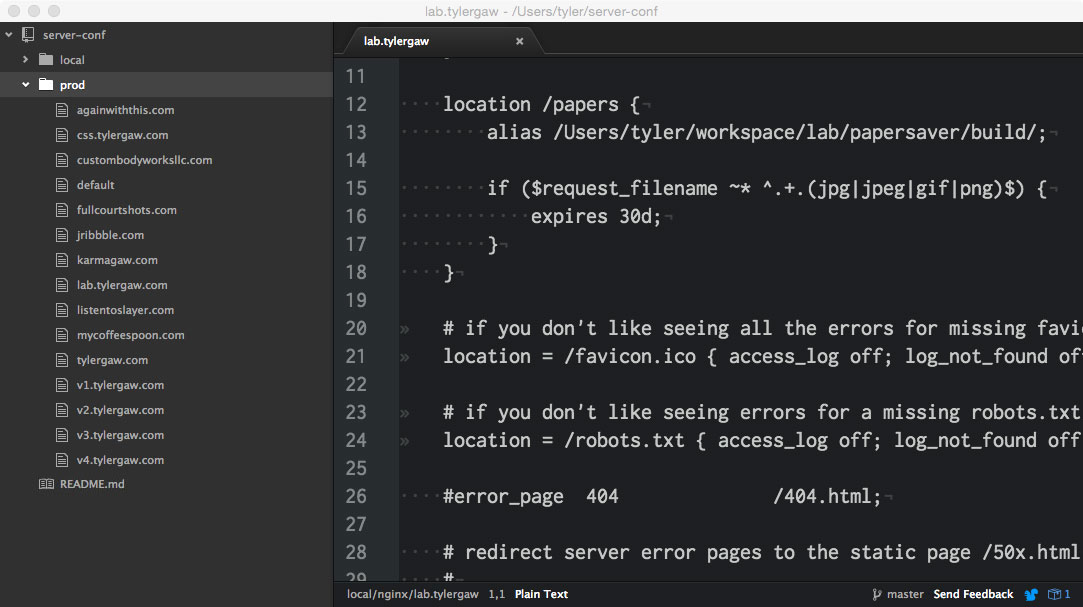
I host my personal sites–this one, my lab, my quips, nonsense, and others–on a Rackspace VPS. NGINX is my web server of choice. Each site has its own configuration file. I’m definitely not Mr. Sys Admin, but I have an easy way of organizing those config files to help me make quick updates and additions.
I’m assuming some knowledge with this post. Folks who have middle ground knowledge of NGINX will get the most out of this. It’s not a how-to NGINX post, so beginners may not find it useful. It also may not be helpful if you have advanced NGINX knowledge as you likely have a better way to handle these things.
I keep my config files in a private Github repo called “server-conf”. In it I have two directories; “local” and “prod”. Local for the NGINX install on my developement machine and prod for my VPS. I have different sites locally than I do production. Each site whether local or prod has its own config file.
Both locally and in production, I clone the server-conf repo to my home directory.
To tell NGINX where the config files are, I use include
in the http block of the main NGINX config file, nginx.conf.
The location of this file is different for each install. Locally, mine is at
/usr/local/etc/nginx. I can never remeber where it is
on my VPS, I just have to peck around until I find it. Here are
the relevant snippets from my local and prod nginx.conf.
# local

http {
...
include /path/to/home/server-conf/local/\*;
}
# production
http {
...
include /path/to/home/server-conf/prod/\*;
}Mainly because I can never remember the default location of NGINX config files. This is especially true on my VPS since I access it infrequently. Having it in the home directory allows me to stumble on it since it’s the first directory I see when I SSH into the VPS.
This helps me in a number of ways. First, like I mentioned above, it makes locating the config files much easier.
Doing this allows me to use a text editor I’m most comfortable with to make updates to production configs.
When I need to make an addition or change to production config I can make the changes
on my machine. I then commit and push the changes to Github. Then SSH into
my VPS, and navigate to the server-conf directory. There
I git pull and after an nginx -s reload my
changes are live.
Before this, to make production changes I would have to SSH into the VPS, navigate to the default NGINX config location and use Vim to make changes. This was a slow and error-prone process for me because I’m not comfortable with Vim and I get a bit lost sometimes navigating with the command line. Also, my server isn’t the fastest so editing there is much slower than it is on my laptop.
The ability to quickly roll back breaking changes is huge. If I pull down changes that cause the prod server to stop working, I can use git to check out the previous version of the offending file(s) while I fix the problem. If I’m making larger changes I can create a different branch to make it even easier.
Config backup via Github. If I get a new computer or if mine is damaged,
I won’t have to recreate my configs for local development. I can just clone the repo and
make the quick update the nginx.conf to get back up and running.
Another cool thing is having a config revision history. Since everything is in git and on Github, I can see when and what changes I’ve made. This isn’t that helpful for me since I’m the only one making changes and they tend to be small, but it could be a huge plus if you have multiple people making updates.
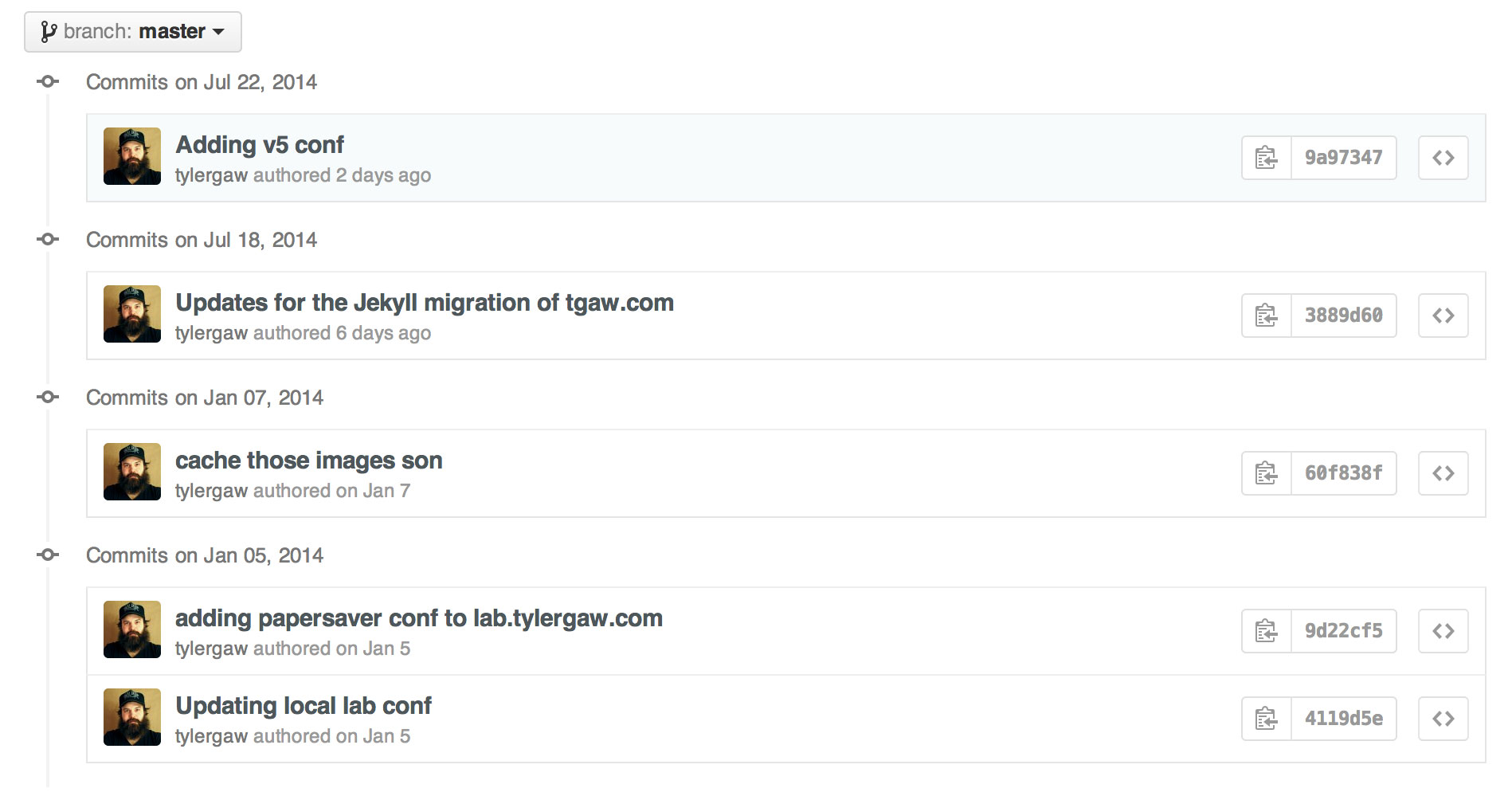
NGINX is relativily easy to configure, but I used to dread making changes in production because I’m not as handy with the command-line and Vim as I am a graphical text editor. Having this setup in place makes it as easy as updating any other files associated with my sites.
Thanks for reading